README
cairo-cr
Cairo bindings for Crystal language.



Installation
First install cairo:
sudo apt-get install libcairo2 libcairo2-devAdd this to your application's shard.yml:
dependencies:
  cairo:
    github: TamasSzekeres/cairo-cr
Then run in terminal:
shards installSee also: x11-cr
Usage
require "x11"
require "cairo"

module YourModule
  include X11::C # for low-level usage
  include Cairo::C # for low-level usage
  include X11 # for high-level usage
  include Cairo # for high-level usage
end
For more details see the sample in /examples folder.
Sample
Build and run the low-level sample:
  cd examples/sample_window
  shards build
  ./bin/sample_window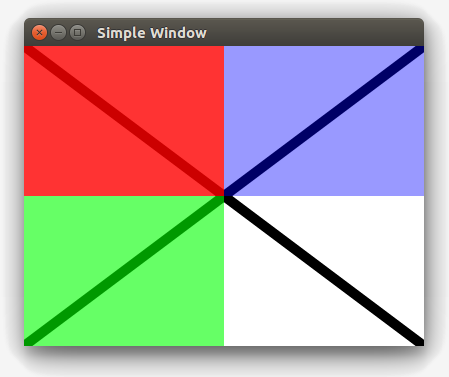
Build and run the high-level sample:
  cd examples/sample_window_hl
  shards build
  ./bin/sample_window
Documentation
You can generate documentation for yourself:
crystal docThen you can open /docs/index.html in your browser.
Or you can view last commited documentation online at: https://tamasszekeres.github.io/cairo-cr/.
Contributing
- Fork it (https://github.com/TamasSzekeres/cairo-cr/fork)
- Create your feature branch (git checkout -b my-new-feature)
- Commit your changes (git commit -am 'Add some feature')
- Push to the branch (git push origin my-new-feature)
- Create a new Pull Request
Contributors
- Tamás Szekeres - creator, maintainer