

ratmachine

Version, currently master branch1 version
  • master branchlatestMar 2, 2023

github.com/faissaloo/ratmachine

Textboard with text effects

22 stars
0 dependents
License: AGPLv3

Installation

# Add this to your shard.yml
dependencies:
  ratmachine:
    github: faissaloo/ratmachine
    branch: master

master is a branch, not a release, so this tracks it rather than pinning a version.

Then run:

shards install

shard.yml

Crystal
0.33.0
License
AGPLv3
Author
faissaloo <faissaloo@gmail.com>
Targets
  • amber from lib/amber/src/amber/cli.cr
  • ratmachine from src/ratmachine.cr

Dependencies

Runtime Dependencies

  • jwt1.5.1github: crystal-community/jwt
  • amber0.36.0github: amberframework/amber
  • granite0.22.1github: amberframework/granite
  • jasper_helpers~> 0.2.0github: amberframework/jasper-helpers

Development Dependencies

  • garnet_spec~> 0.2.1github: amberframework/garnet-specdev

README

# ratmachine

![Logo](res/logo.png)  
[![Amber Framework](https://img.shields.io/badge/using-amber_framework-orange.svg)](https://amberframework.org)

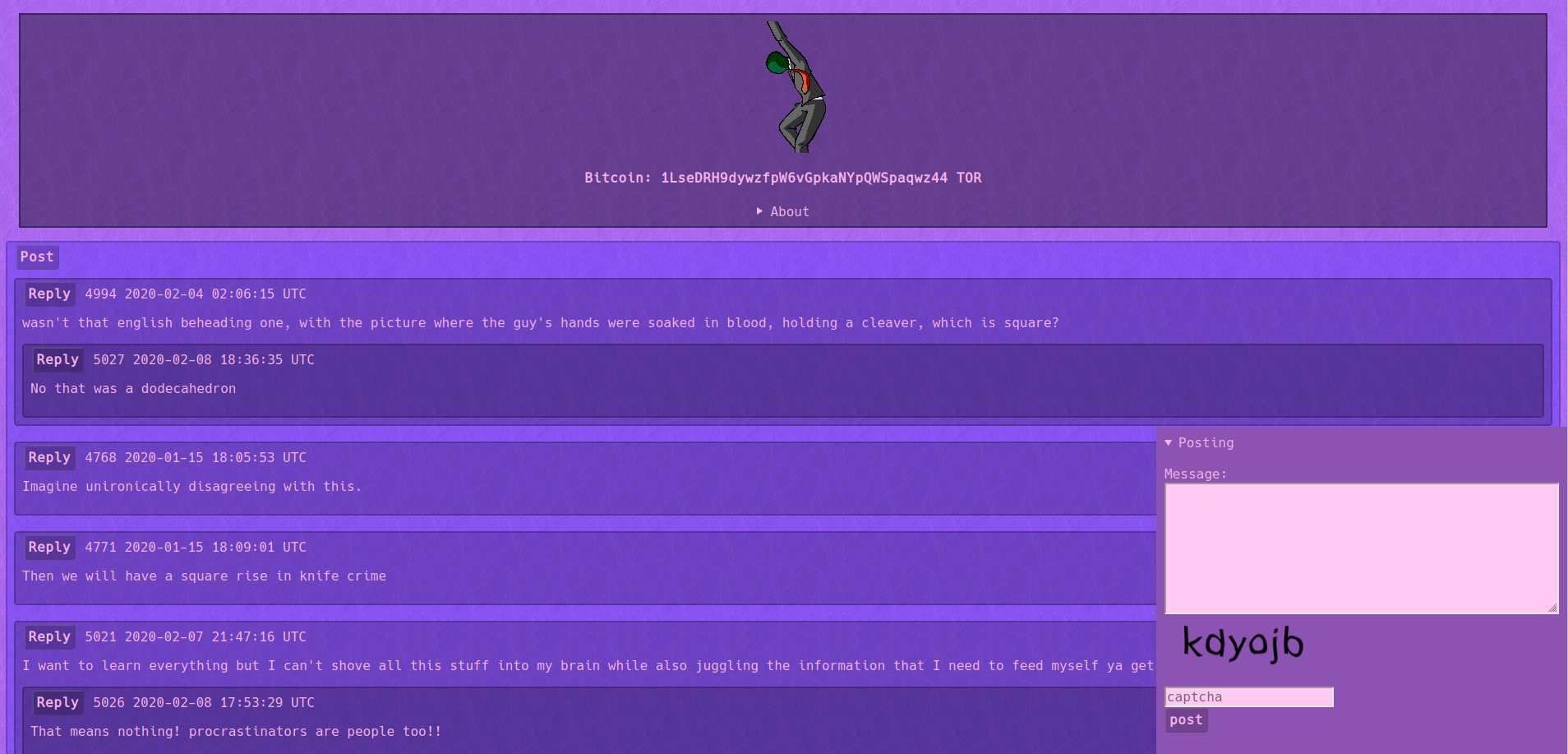
![Screenie](res/screenie.png)
Ratmachine is an javascriptless anonymous textboard engine with various text effects.  

| markup |   effect    |
|--------|-------------|
|   ^^   | 3text       |
|   `    | code        |
|   *    | italic      |
|   **   | bold        |
|   $    | rainbowtext |
|   $$   | shaketext   |
|   %%   | spoiler     |
|   !!   | glowtext    |
|   ==   | redtext     |
|   >    | greentext   |
|   <    | bluetext    |
|  [[]]  | button      |

To start the development environment install docker and docker-compose and use `make build-dev`, from then on you can use `make dev` to boot up the environment. When using the development environment the default username is `wojak` and the password is `tfwnogf`.

To build Ratmachine use `make build`, you will then be able to run ratmachine by executing `bin/ratmachine`.  
On first startup the database will automatically be created and setup, you will then be asked to input a username and password for the mod panel found on `/mod`.