README
ImageToHTML
CLI tool to OCR an image and output HTML containing the image and its extracted text.
$ image-to-html hello.jpg > ~/tmp/hello.jpg.html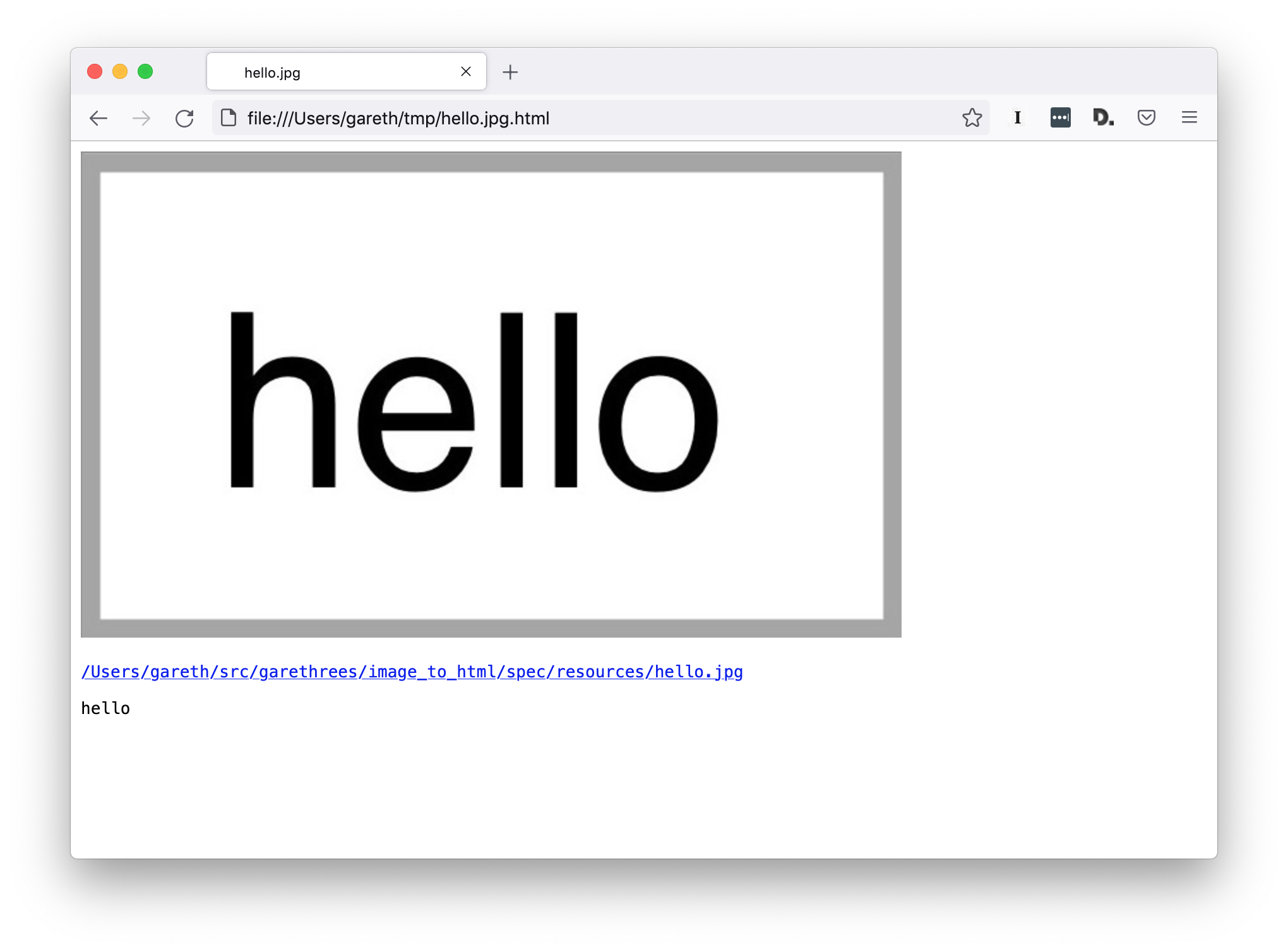
Installation
This program must be compiled from source.
Prerequisites:
- Clone this git repo:
$ git clone git@github.com:garethrees/image_to_html.git- To build a binary:
$ make bin/image-to-html- To use as a library, add the dependency to your
shard.yml:
dependencies:
  image_to_html:
github: garethrees/image_to_html- Run
shards install
Usage
As a binary:
# Print the HTML to stdout
$ bin/image-to-html /path/to/image.jpg

# You can redirect stdout to create a HTML file
$ bin/image-to-html /path/to/image.jpg > image.jpg.html
As a library:
# Just generate the HTML
html = ImageToHtml.run("/path/to/image.jpg")

# Or build it up yourself
html = ImageToHtml::Html.new(
  ImageToHtml::Image.new(
    Path["/path/to/image.jpg"]
  )
).to_s
Contributing
- Fork it (https://github.com/garethrees/image_to_html/fork)
- Create your feature branch (
git checkout -b my-new-feature) - Make sure the tests pass (
make test) - Commit your changes (
git commit -am 'Add some feature') - Push to the branch (
git push origin my-new-feature) - Create a new Pull Request
Contributors
- Gareth Rees - creator and maintainer
Credits
- Screenotate for the inspiration
- dannnylo/tesseract-ocr-crystal for the OCR integration
- ylansegal/franklin.cr for the
Makefile