README
Murg
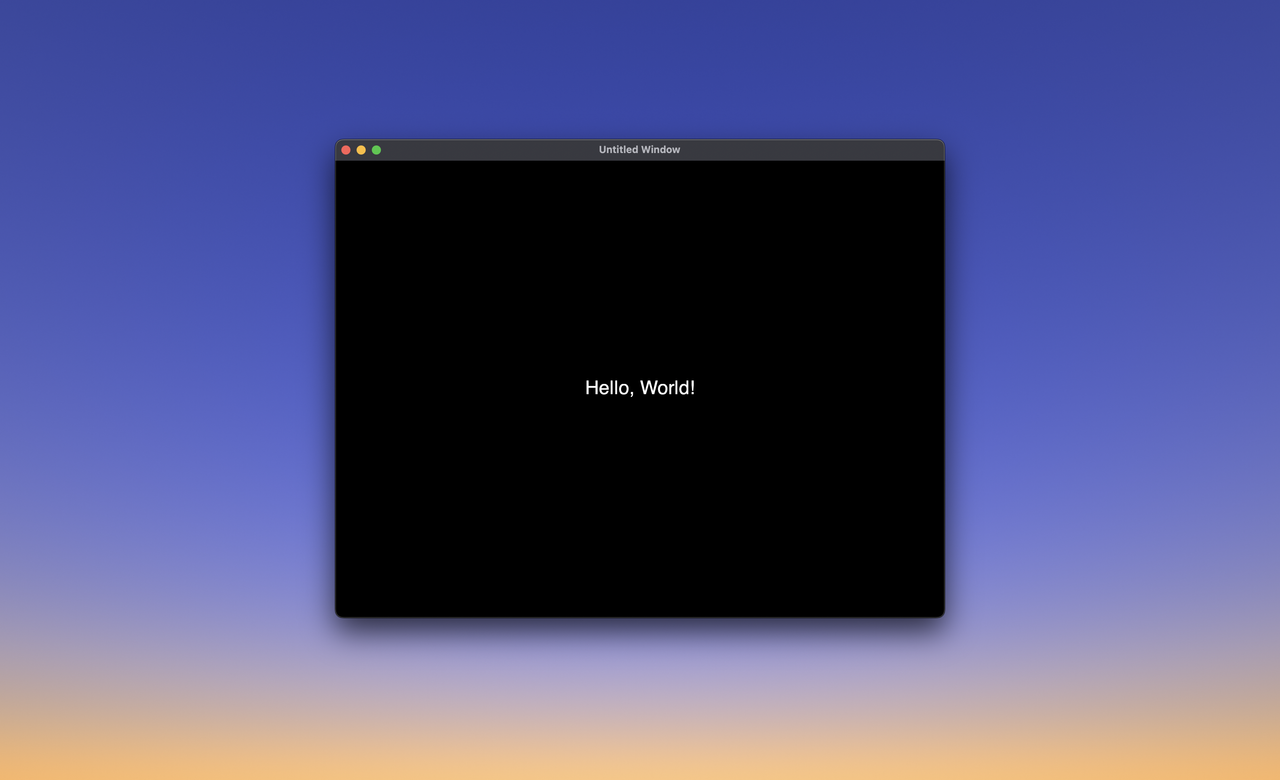
GUI framework with GTK4 component generation using HTML, CSS and JavaScript
-
None of the components generated by Layout contain anything remotely related to a Web-Browser.
-
Compiled binary reads the custom HTML and builds the GTK components. Since it is already a pre-built release version, it is pretty fast at generating the UI components.
-
The compiler supports CSS and JavaScript compilation, which glues the components and makes the UI interactive.
-
The JavaScript engine is Duktape, it supports Babel 6.26.0 and CoreJS 2.6.11.
-
The CSS is limited to GTK4 specification.
Installation
Before you clone the shard and build it, install the GTK libraries.
Add this to your application's shard.yml:
dependencies:
  murg:
    github: grkek/murg
And run this command in your terminal:
shards install
./bin/gi-crystal
Code example
Add this to your application.cr:
require "murg"

# Disable GC for because of invalid memory access bug.
GC.disable

html = <<-HTML
  <Application applicationId="com.murg.application">
    <Window title="Untitled Window">
      <Label>Hello, World!</Label>
    </Window>
  </Application>
HTML

builder = Murg::Builder.new
# Make sure you point the path the correct way.
builder.build_from_string(html)
Compile the application.cr file.
crystal run application.cr -Dpreview_mt --error-traceAnd you should have a GUI window with a "Hello, World!" text.