README
Mark
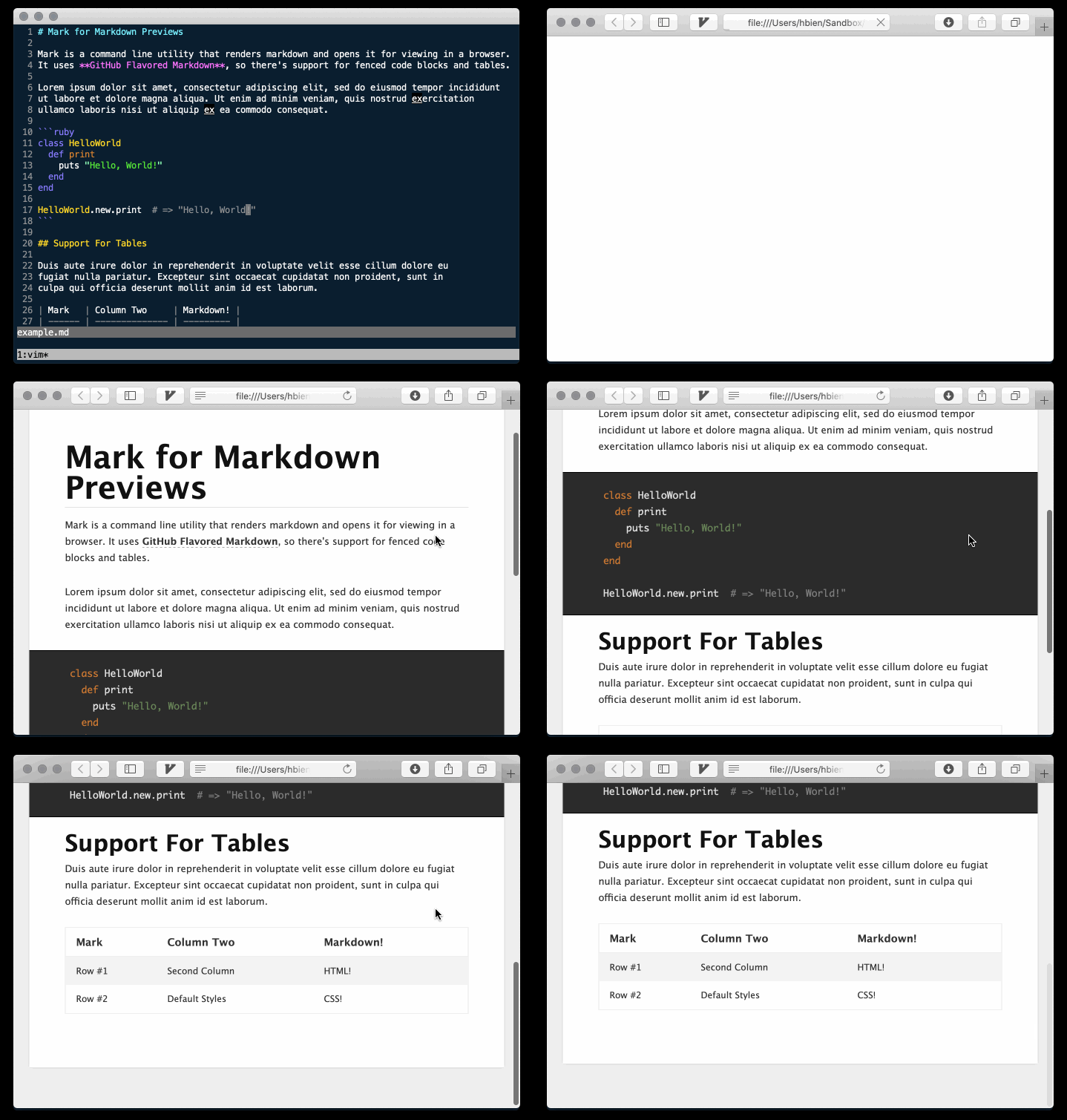
Command line utility to preview markdown in a browser.
Install
Mac
brew install hughbien/tap/markThis will install Crystal as a dependency. If you already have a non-homebrew Crystal installed, you
can use the --ignore-dependencies crystal option.
Linux (From Source)
Checkout this repo, run make and make install (requires Crystal):
git clone https://github.com/hughbien/mark.git
cd mark
make
make install
Usage
Render a markdown file in your browser:
mark <file.md>By default, this renders markdown into the target file .mark.html of the current directory. This
target file is deleted after being opened in the browser. You can specify a different target
location via the -t/--target option. Or set the MARK_TARGET env var:
mark --target /path/to/target.html <file.md>Note that this may break relative assets like images. To prevent deletion after opening, use the
-k/--keep option. Or set the MARK_KEEP env var.
mark --keep <file.md>Without --keep, the target file is kept for 300ms by default. To extend this time use the
-K/--keep-for option or set the MARK_KEEP_FOR env var.
mark --keep-for 500 <file.md>You can create your own template too. Just create an HTML template, the string #{BODY} will be
substituted with the rendered markdown. The default location for the template is
~/.mark/template.html. Or you can specify it with -T/--template.
mark --template /path/to/template.html <file.md>Mark uses open to open the rendered file by default. To override this, either use the MARK_OPEN
env var or -o/--open option. Pass a string with the % placeholder, which will be the filename.
mark --open "firefox %" <file.md>Development
Use make for common tasks:
make spec                         # to run all tests
make spec ARGS=path/to/spec       # to run a single test
make build                        # to create a release binary in the bin directory
make install                      # to copy release binary into system bin (uses $INSTALL_BIN)
make clean                        # to remove build artifacts and bin directory
make run ARGS="file1.md file2.md" # to run locally
make run ARGS=-h                  # to run with local arguments