README
This README is the one indexed from the repository at its latest ref, not from the tag for this version.
Icon Viewer
A native Crystal GUI for browsing Radix, Fluent, Octicons, Eva, and Ionicons, built with UIng.
Choose a collection and size/style variant, search by name, then preview an icon and copy its Crystal constant. The default Grid view lets you scroll through all matching icons without changing pages. Click an icon to preview it, or navigate with the arrow keys, Home, and End. Use Grid density to choose 4, 6, 8, or 10 columns to suit your window size. Thumbnails are decoded on demand and kept in a bounded cache for large collections.
Switch to List for the original name-and-icon table, paged in groups of 256. The selected icon is preserved when switching views. Search and collection/variant filters apply to both views.
Screenshots
Screenshots are refreshed when a release is built.
| Linux | Windows | macOS |
|---|---|---|
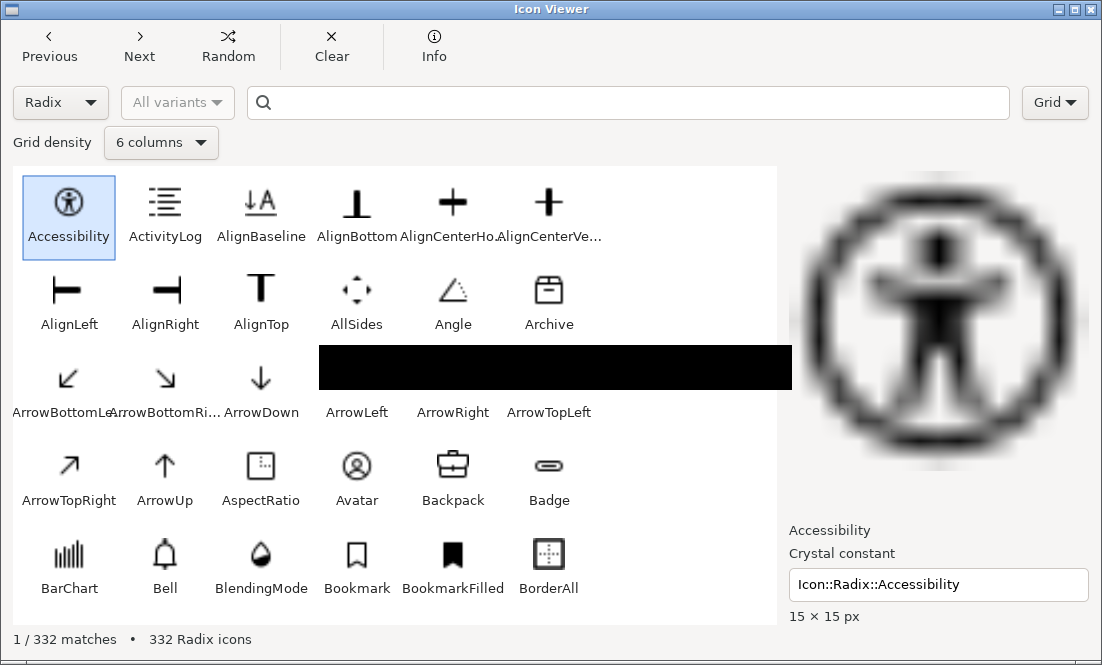 | 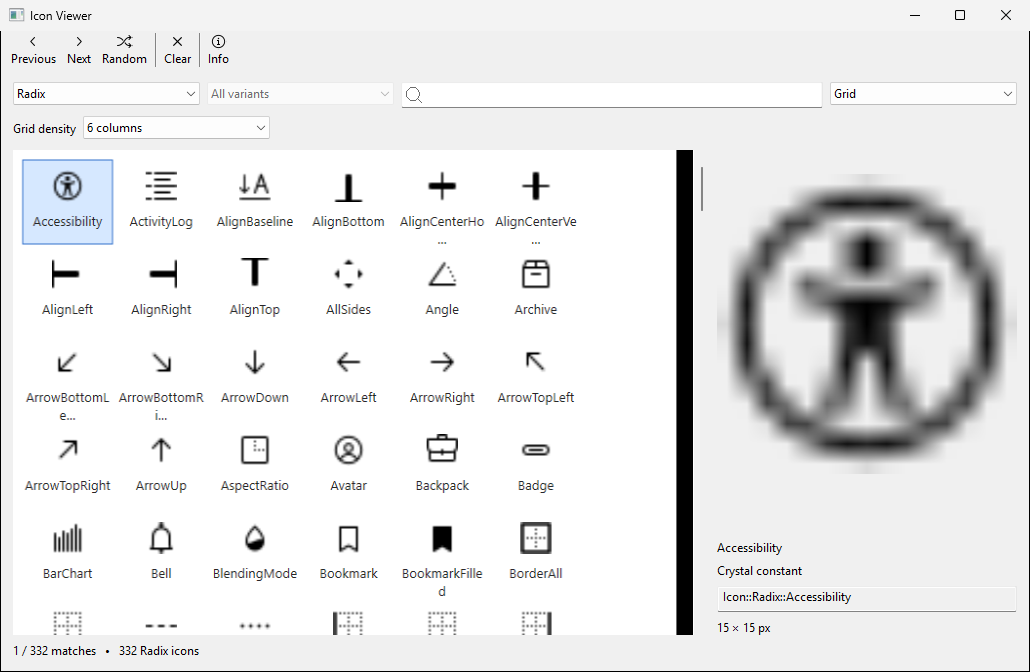 | 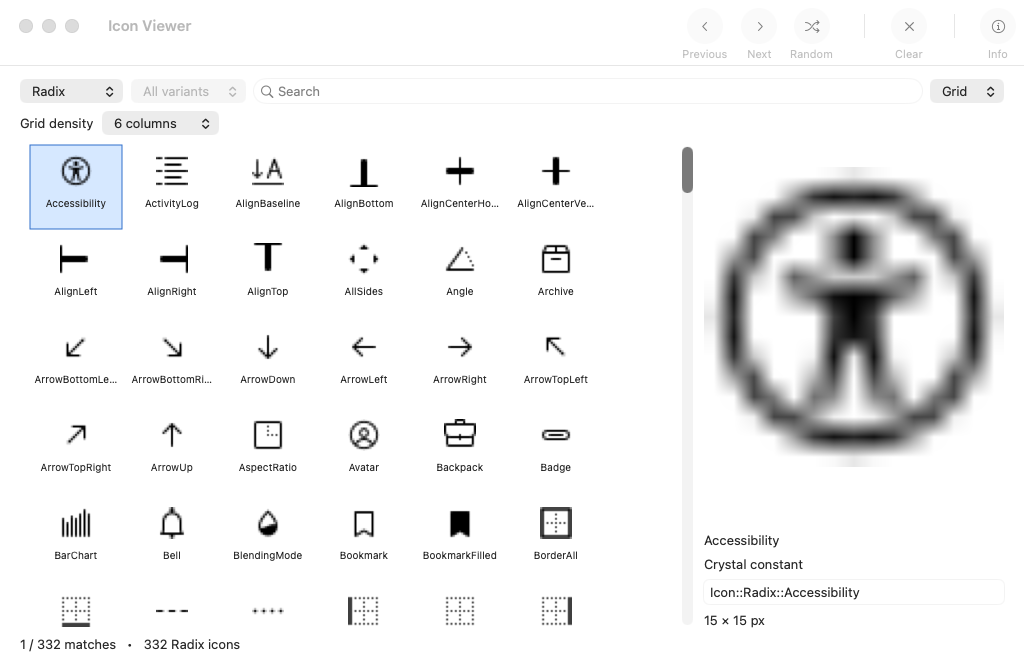 |
Download
Download the archive for your platform from Releases:
- Linux x64: Extract
icon-viewer-linux-x64.tar.gzand runicon-viewer. GTK 3 must be installed. - Windows x64: Extract
icon-viewer-windows-x64.zipand runicon-viewer.exe. - macOS Apple Silicon: Extract
icon-viewer-macos-arm64.zipand openIconViewer.app. The app is not notarized. If macOS blocks it, use System Settings → Privacy & Security → Open Anyway after the first launch attempt.
Run
Install Crystal and the platform prerequisites for UIng, then:
shards install
shards build
./bin/icon-viewer
The UIng shard downloads a libui-ng binary during installation.
Adding a collection
Add its shard to shard.yml and call its compile-time catalog macro in src/icon_catalog.cr. The collection and variant selectors update automatically.
License
Application code: MIT. Icon shards retain their own licenses.