README
ratmachine (a testbuild for experimenting)


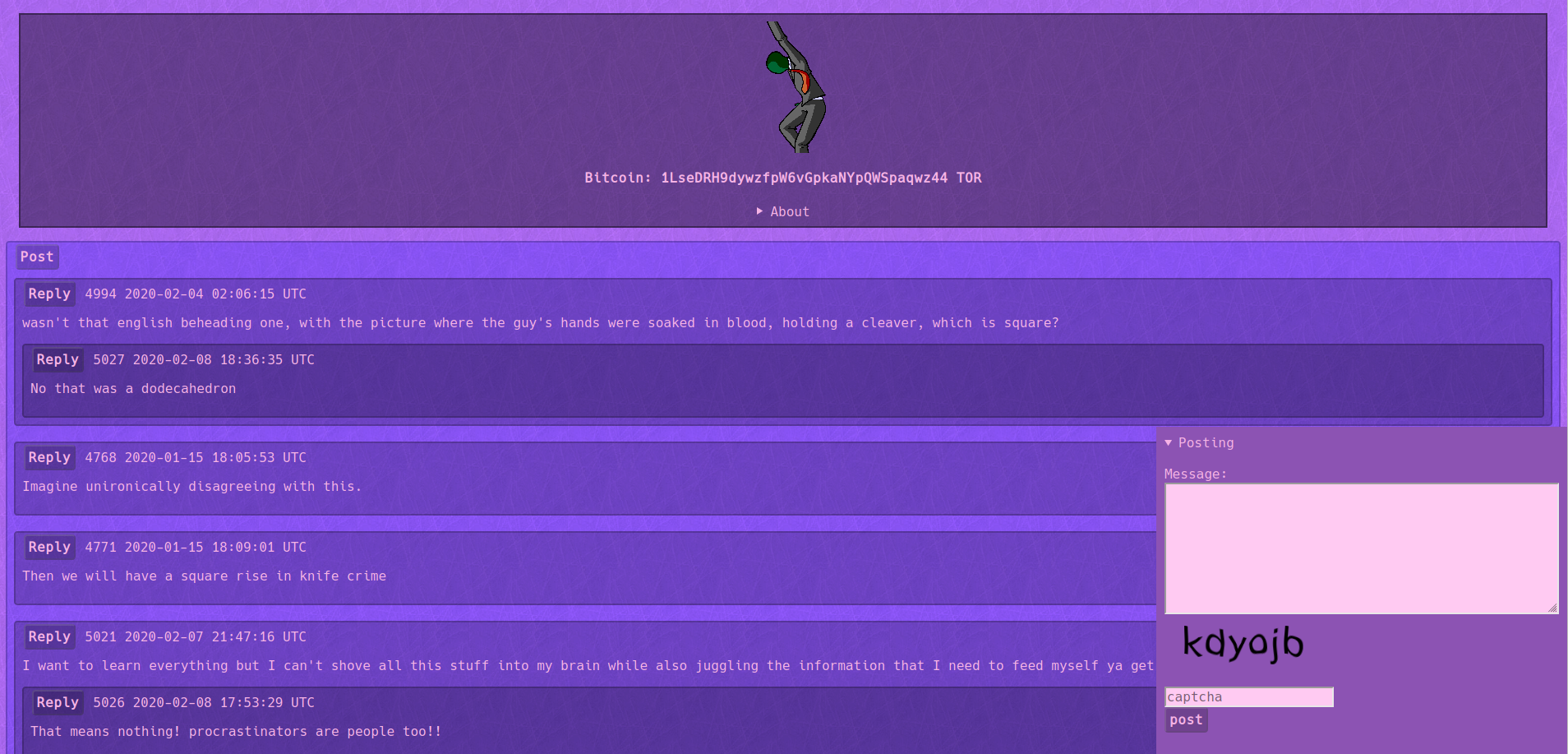 Ratmachine is an javascriptless anonymous textboard engine with various text effects.
| markup | effect |
|---|---|
| ^^ | 3text |
| ` | code |
| * | italic |
| ** | bold |
| $ | rainbowtext |
| $$ | shaketext |
| %% | spoiler |
| !! | glowtext |
| == | redtext |
| > | greentext |
| < | bluetext |
| [[]] | button |
To start the development environment install docker and docker-compose and use make build-dev, from then on you can use make dev to boot up the environment. When using the development environment the default username is wojak and the password is tfwnogf.
To build Ratmachine use make build, you will then be able to run ratmachine by executing bin/ratmachine.
On first startup the database will automatically be created and setup, you will then be asked to input a username and password for the mod panel found on /mod.