my_app

Version, currently v.0.27.01 version
  • v.0.27.0latestJan 23, 2022

github.com/drhuffman12/example_lucky_app.OLD

Example Lucky App

0 stars
0 dependents
License: not declared

Installation

# Add this to your shard.yml
dependencies:
  my_app:
    github: drhuffman12/example_lucky_app.OLD
    version: ~> v.0.27.0

Then run:

shards install

shard.yml

Crystal
1.0.0
Author
Daniel Huffman
Target
  • my_app from src/my_app.cr

Dependencies

Runtime Dependencies

  • jwt~> 1.5.0github: crystal-community/jwt
  • lucky~> 0.27.0github: luckyframework/lucky
  • carbon~> 0.1.4github: luckyframework/carbon
  • dotenv~> 1.0.0github: gdotdesign/cr-dotenv
  • authentic~> 0.7.3github: luckyframework/authentic
  • lucky_task~> 0.1.0github: luckyframework/lucky_task

Development Dependencies

  • lucky_flow~> 0.7.3github: luckyframework/lucky_flowdev
  • webdrivers*github: matthewmcgarvey/webdrivers.crdev

README

my_app

This is a project written using Lucky. Enjoy!

Setting up the project

With Docker:

  • Build:

    docker-compose build
  • Start the app:

    docker-compose up
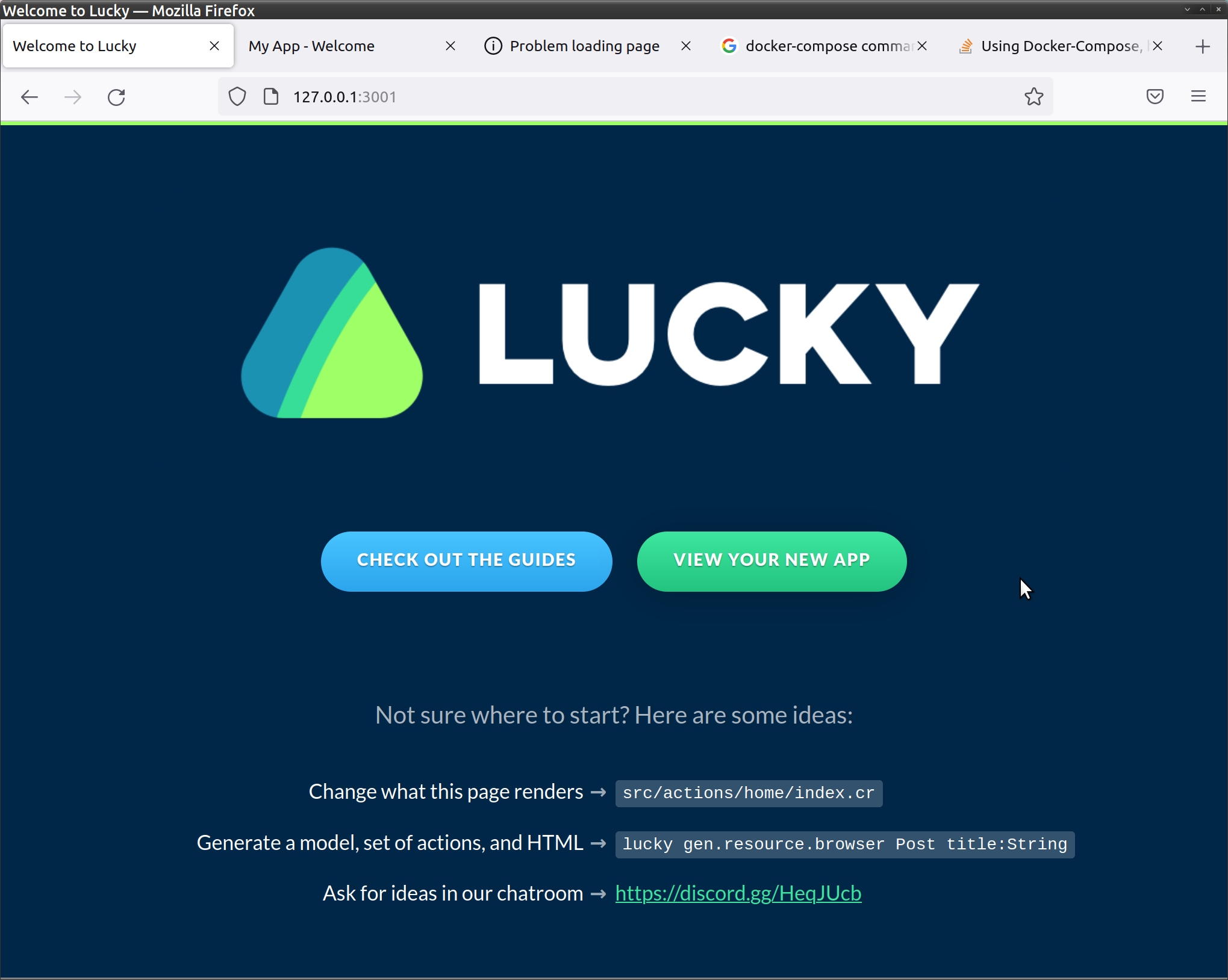
  • Browse to: http://127.0.0.1:3001 docs/screenshots/0.initial_root_page.png

  • Click View Your New App

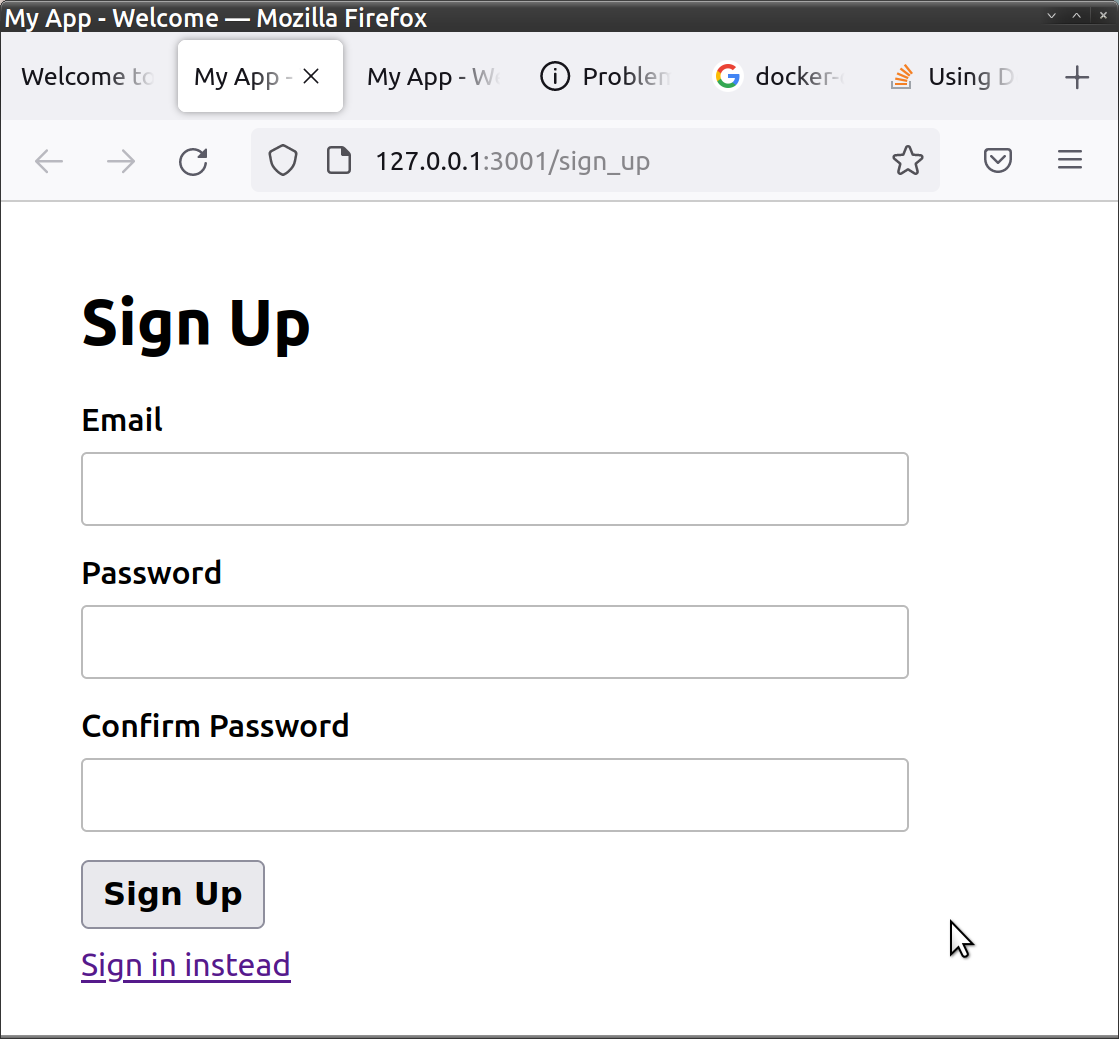
  • (1st time) Sign Up to create a Login: docs/screenshots/1.SignUp_page.png

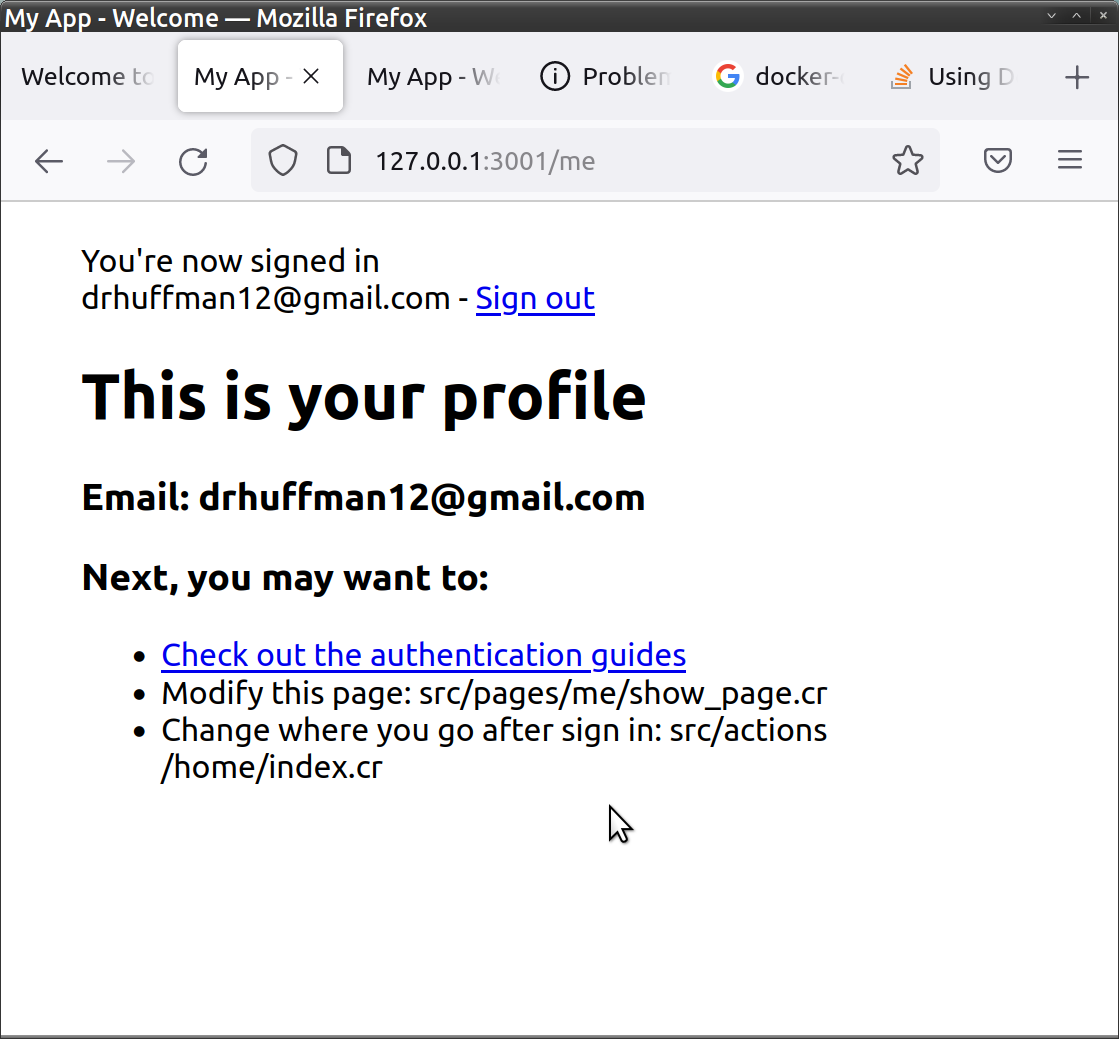
  • This will redirect you to your me profile page: docs/screenshots/2.me_page.png

'Traditional' way (without Docker):

  1. Install required dependencies
  2. Update database settings in config/database.cr
  3. Run script/setup
  4. Run lucky dev to start the app

Learning Lucky

Lucky uses the Crystal programming language. You can learn about Lucky from the Lucky Guides.