README
LuckyFlow

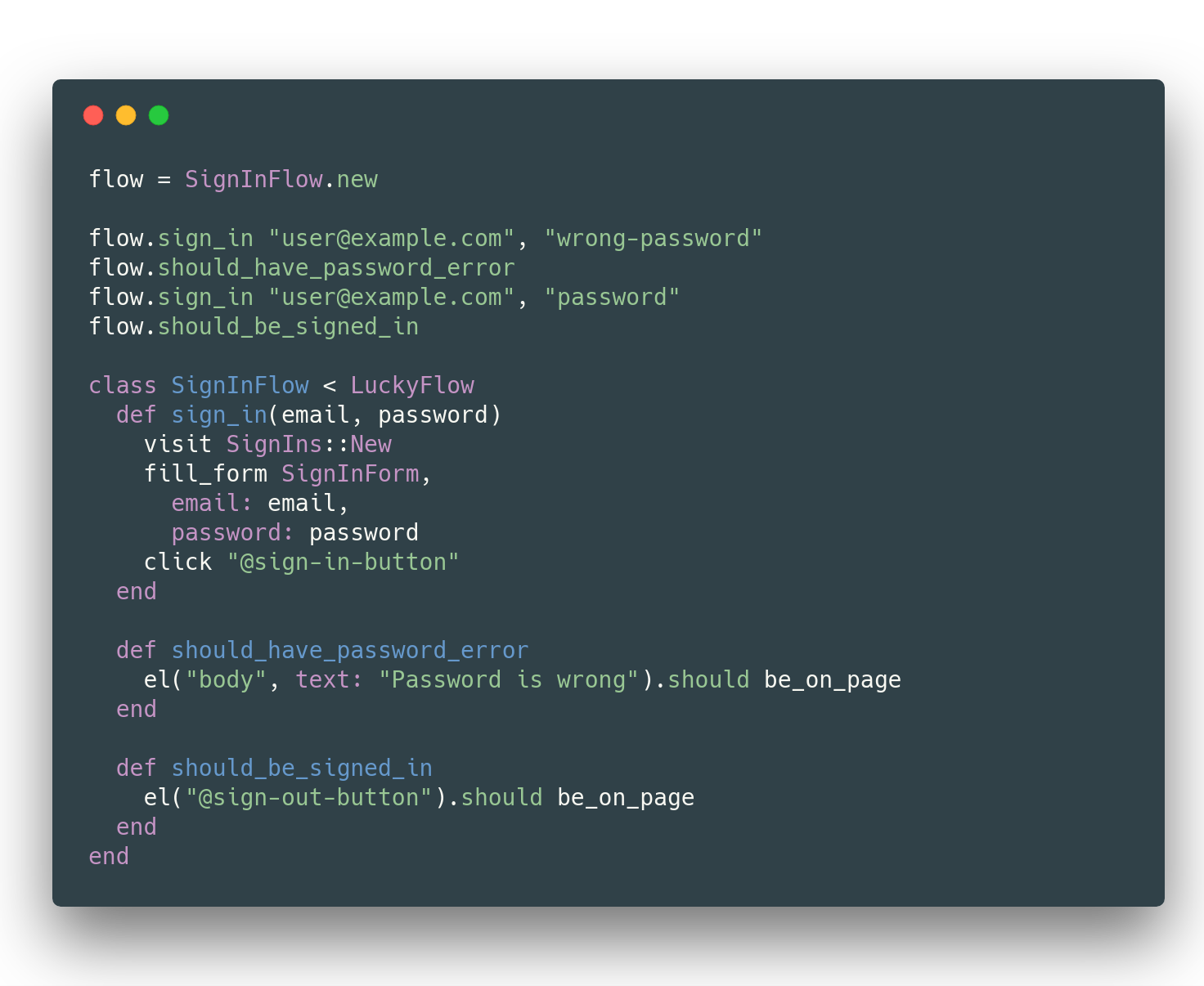
LuckyFlow is a library for testing user flows in the browser. It is similar to Ruby's Capybara.
Installation in Lucky projects
LuckyFlow is already installed and configured. Check out the guides to see how to use it: https://luckyframework.org/guides/browser-tests/
Installation in other Crystal projects
Add this to your application's shard.yml:
development_dependencies:
  lucky_flow:
    github: luckyframework/lucky_flow
Configure LuckyFlow in spec/spec_helper.cr:
require "lucky_flow"

LuckyFlow.configure do |settings|
  # This is required
  settings.base_uri = "http://localhost:<port>"

  # Optional settings. Defaults are shown here
  settings.retry_delay = 10.milliseconds
  settings.stop_retrying_after = 1.second
  settings.screenshot_directory = "./tmp/screenshots"
  settings.browser_binary = "/Applications/Brave Browser.app/Contents/MacOS/Brave Browser"
end

# Put this at the bottom of the file.
# If a required setting is missing, this will catch it.
Habitat.raise_if_missing_settings!
Then view the guides: https://luckyframework.org/guides/browser-tests/
You should be ready to go!
For use with some of the Lucky shards (including Lucky itself), you'll need to require a few extensions:
# This extension adds an override to `visit` allowing you
# to pass in a Lucky::Action.class or Lucky::RouteHelper
require "lucky_flow/ext/lucky"

# This extension adds a `fill_form` method that you can pass
# an Operation or SaveOperation to which will populate form
# fields for you
require "lucky_flow/ext/avram"

# Similar to the Lucky extension, this gives an additional override
# to `visit` that allows you to visit a page as a specific User
require "lucky_flow/ext/authentic"
Usage
Note that you can only pass string paths to
visitsince only Lucky has route helpers described in the guide below. Example:visit "/my-path"
View guide at: https://luckyframework.org/guides/browser-tests/
Development
[!NOTE] If you use Flatpak to install Chrome, specs will fail to detect your Chrome binary. Install Chrome via a standard package install.
- Run format
crystal tool format spec/ src/ - Run Ameba
./bin/ameba - Run specs
crystal spec(or via docker with./script/setupand./script/test)
Contributing
- Fork it ( https://github.com/luckyframework/lucky_flow/fork )
- Create your feature branch (git checkout -b my-new-feature)
- Install docker and docker-compose: https://docs.docker.com/compose/install/
- Run
script/setup - Make your changes
- Run
script/testto run the specs, build shards, and check formatting - Commit your changes (git commit -am 'Add some feature')
- Push to the branch (git push origin my-new-feature)
- Create a new Pull Request
Contributors
- paulcsmith Paul Smith - creator, maintainer